Podcasting and vodcasting for educators
In this workshop the participants will be introduced to the fundamentals of planning, creating and managing digital media files so that they can be published either as a podcast or vodcast. The acquired skills will allow the participants to create and publish:
- Second language teaching and learning examples
- Recorded lectures and tutorials
- Supplementary teaching notes and commentaries
- Field reports recorded in situ
- Interviews with subject matter experts
- Answers to frequently asked questions
- Examples of noises in society ~ the city, suburbs and rural areas
- Examples of relevant technical and engineering noises, etc
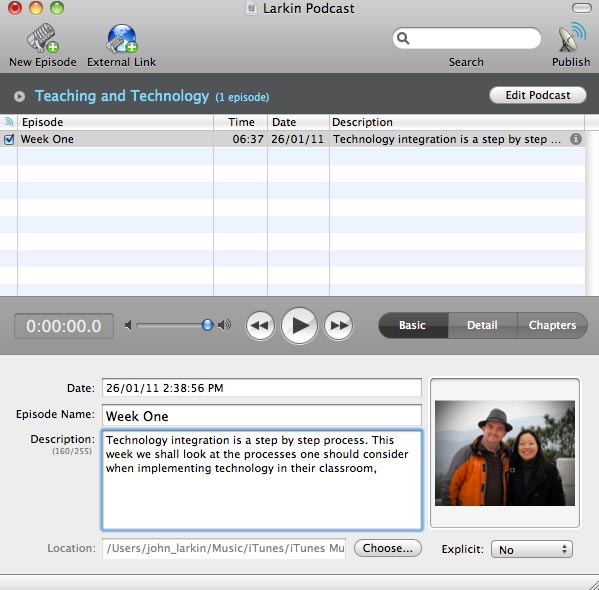
Podcast Maker Software
Participants will be given an insight into examples of good practice in the use of podcasting and vodcasting. Participants will also be given instruction, demonstrations and hands-on practice with the following technologies:
- Software tools that allow for the creation and editing of MP3 files will be shared with the participants. These tools include Audacity, for example.
- Video publication tools: Vodcasting via the use of Blogger, video embed and a RSS feed
- Podcast and vodcast playback tools such as iTunes.
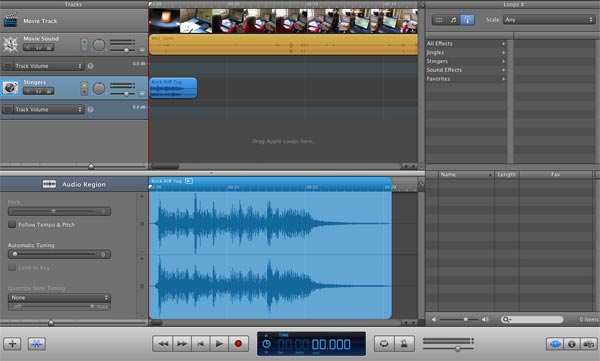
Apple GarageBand Software
Duration
8 hours
Learning Outcomes for Participants
At the end of the course, participants will be able to develop the skills and techniques required to:
- Consider the appropriate integration and application of podcasting and vodcasting tools in developing teaching and learning resources
- Create, edit and produce an audio file(s) using Audacity
- Create, edit and produce a video file(s) using Windows Movie Maker or Quicktime
- Publish the vodcast utilising Blogger
- Subscribe to the vodcast via iTunes and/or Google Reader
- Plan, create and map a curriculum specific lesson plan or unit of work incorporating one or more of the podcasting or vodcasting tools explored during the workshop
- Integrate teaching strategies and podcasting/vodcasting technologies effectively into a curriculum
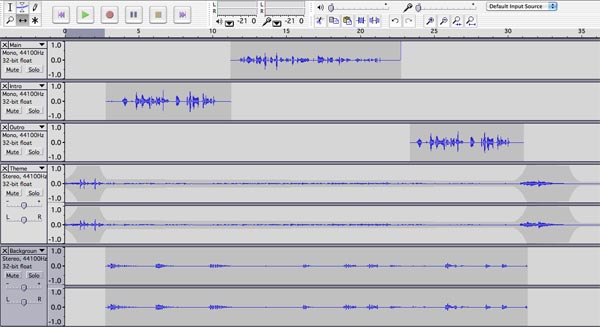
Audacity sound editing software
Target Audience
- Teachers (Primary, Secondary and Colleges)
- Academic Staff (ITE, Polytechnic, University and Training Institutes)
Pre-requisites
- It is recommended that participants bring their own headset in the event that they possess a set so that they may record and review their projects as they develop
- It is recommended that participants bring a thumb drive or USB Flash drive so that they can take electronic copies of resources provided during the course
- Finally, participants are advised to consult the relevant resources and links available at the following web site prior to the course http://www.larkin.net.au/
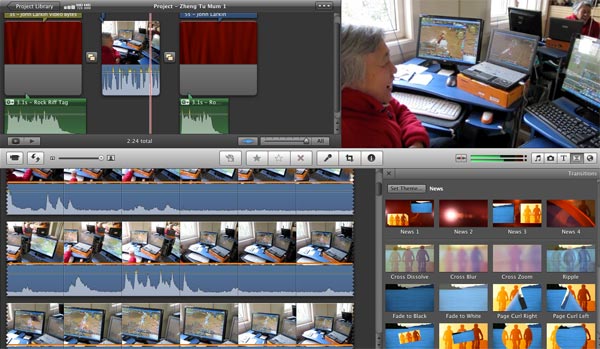
Apple iMovie Software
Activities
During the course:
- The workshop will commence with a presentation that sets out the concepts of and the research associated with podcasting and vodcasting tools. Online resources will also be shared with the participants.
- The presenter will share examples illustrating the manner in which podcasting and vodcasting tools have been deployed by educators to facilitate teaching, learning and enriching community engagement
- During the hands-on component of the day the instructor will provide brief presentations and instructions relevant to the desired learning outcomes followed by participant use of the applications and tools listed above.
- The participants will work both individually and in small groups to develop their skills in using the applications referred to in the learning outcomes above.
- The participants will use the hands-one activities to explore the possibilities afforded by different podcasting and vodcasting tools in creating media rich online publications and establishing connections with others in education
- Group sharing sessions will be conducted to enable individual participants to share with others how they may use podcasting and vodcasting tools in their organisation or classroom setting.
- Groups will also form to design, plan and write sample units of work or lesson plans that deploy podcasting and vodcasting tools, using the curriculum programming templates provided by the facilitator.
- Help and feedback will be available through course notes and assistance from the facilitator.




Recent Comments